Personalize your desk with Samsung Smart Monitor
Nowadays, tables are no longer just tables but a corner that shows the owner's personality with unique and distinct decoration and setup styles.
Desk setup reflects personal "positioning"
Aiming for beauty is a common human trend, creating motivation for the development of many different professions. And now, the desk has also become more beautiful. With just a few simple searches, it is not difficult to come across impressive, eye-catching workspaces on social networks or setup-loving communities.
Starting from the desire to share, spread and convey the love of setting up a working corner, now, more and more people in the "nice desk" group even spend time and effort to find styles that suit themselves, affirming their own personality and taste.
From minimalist, poetic like a painting, to personality, impressive with a futuristic feel. The workspace has now become a "language" of color, technology, and decoration to express personal identity.
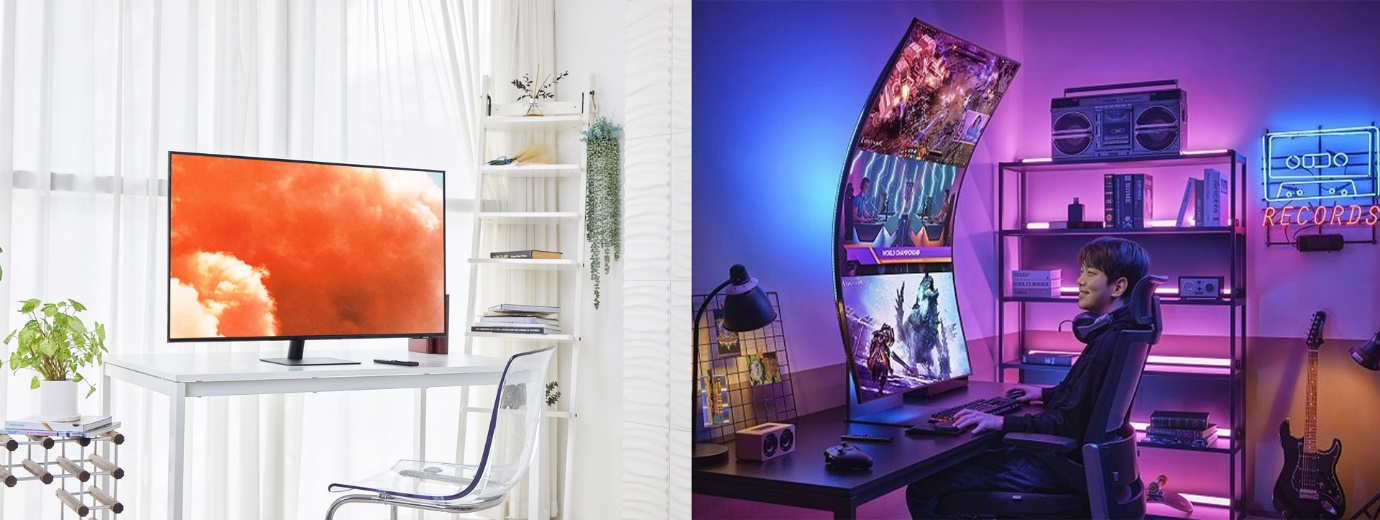
From minimalist, poetic like a painting to modern personality, the setup corner is the "language" that expresses personal identity.
Multi-tasking, multi-style monitor - Samsung Smart Monitor
The indispensable factor in the setup corners is the technology devices, more specifically the devices serving the working process such as laptops, PCs, phones, ... and screens. Working corners with large screens from 27" - 32" not only make the setup corner impressive but also help work and entertainment become easier and more effective.
According to experts, a standard sitting posture is to keep the computer screen at eye level, covering the vision, the head and neck are kept straight. Therefore, we are advised to use a separate screen to work, thereby not only helping to increase concentration but also limiting neck fatigue and hunchback due to having to bend the head down when using a laptop.
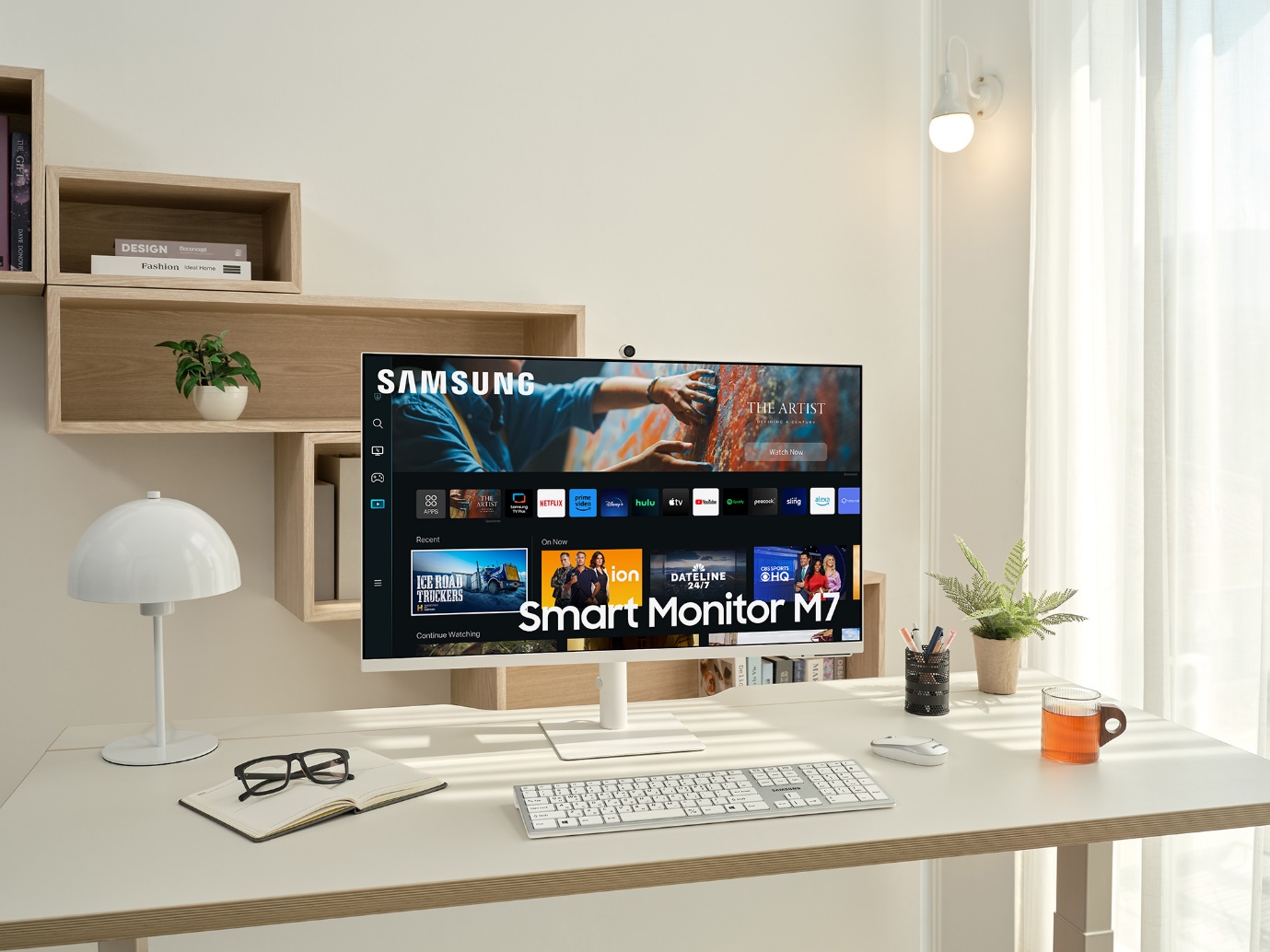
The screen can be considered the "heart" of a setup corner.
With size options from 27" to 43" and a trendy ergonomic design, smart monitors like the Samsung Smart Monitor (including the M5, M7, M8 lines) are the choice of setup enthusiasts, and have become one of the best-selling monitor lines in 2022 of the Korean technology giant - Samsung (according to the company's representative).
Why smart screens? While traditional computer screens can only be used when connected to a host device such as a laptop, PC or Smart TV, smart screens have it all in one.
Thanks to the built-in operating system (specifically on Samsung's product line, TizenOS), the smart screen can act as an office computer with work-related software such as Microsoft Office, web browser, online meetings with SlimFit Camera,...
In addition, Samsung Smart Monitor can also be used as a TV with a diverse entertainment library and applications such as Netflix, Amazon Prime Video, Youtube and built-in speakers inside the screen. If users want to connect to PC, laptop or peripheral devices, these monitors are also equipped with diverse connection ports and protocols such as: HDMI, USB Type-A, USB Type-C.
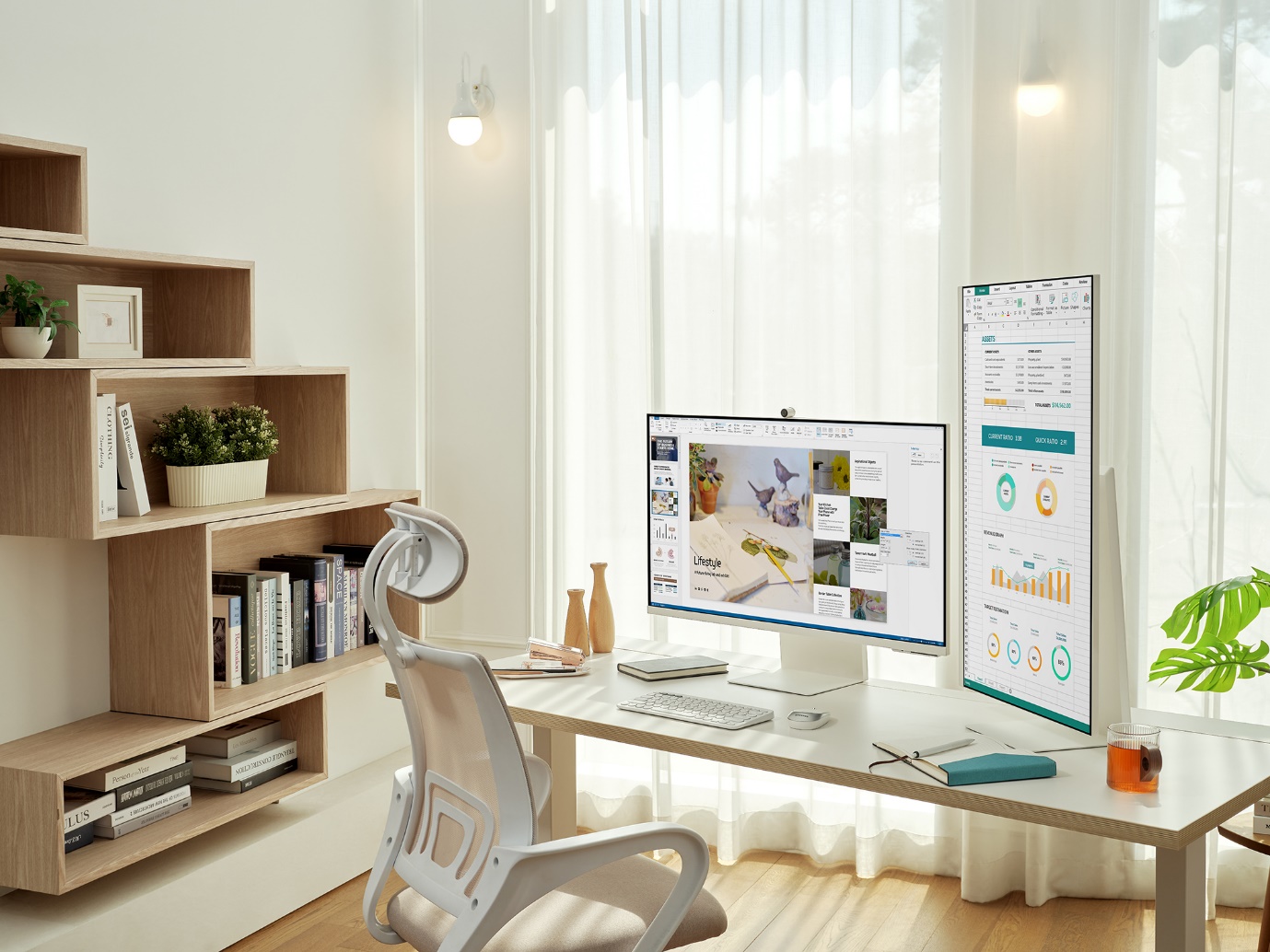
Smart displays have multitasking capabilities thanks to their multi-device features.
Multitasking and flexibility make smart screens not only meet users' needs, but also help to reduce devices in the working, studying or entertainment corner, contributing to elevating the setup corner to become more modern, eye-catching and sophisticated, easily hiding messy connection wires.
Another interesting point on Samsung's smart screen is that it is equipped with Airplay 2, Samsung Dex, Tap View / App Casting, leading the trend of using mobile devices to work of many young people today. Now you can just bring a smartphone to go out to discuss work and come home to connect to Samsung's Smart Monitor to work easily, replacing your laptop or PC with your own phone.
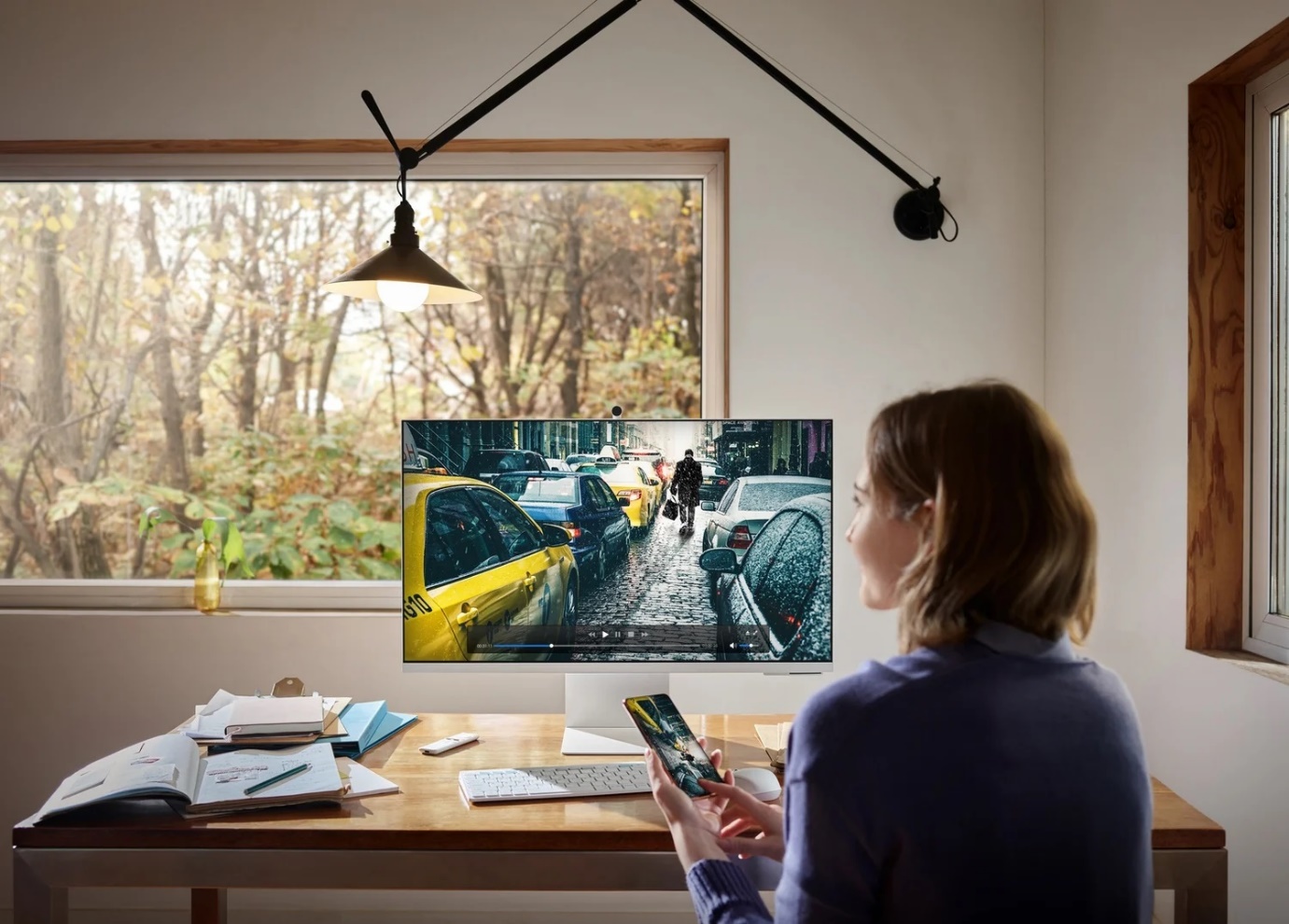
Samsung Smart Monitor is equipped with the ability to connect wirelessly to mobile devices via Airplay, Samsung Dex,...
The multi-color options include white and black (on the Smart Monitor M5, M7 series) and pink, green, blue, white (on the Smart Monitor M8 series) along with a minimalist design with thin screen borders, helping setup enthusiasts easily coordinate with many different styles, expressing their own personality.
Not only that, Samsung's smart screens are also upgraded to add "smartness" to the living space with features that show the homeowner's style in using technology, such as the ability to become an IoT hub thanks to SmartThings and voice control features, the My Content feature allows the standby screen to change to many different interfaces to create creative inspiration,...
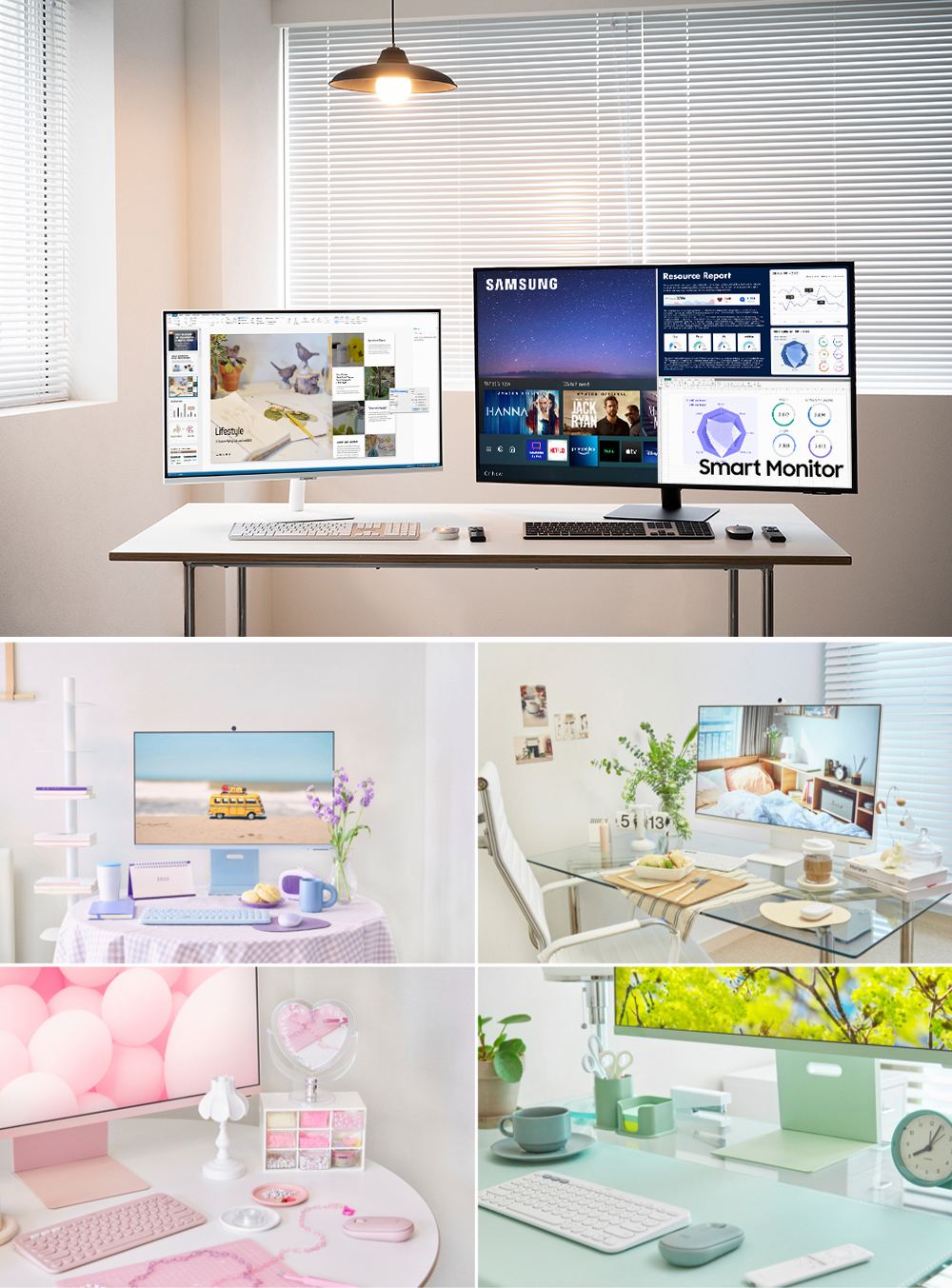
From the two black and white colors on the M5, M7,... series to the 4 pastel colors of the M8, Samsung Smart Monitor easily blends in with many setup styles.
It can be said that with such a monitor, setup enthusiasts can easily create a space that expresses their own style, but at the same time use the monitor's features to create a very unique working and entertainment style.


Comments
Post a Comment